5 Manage

5.1 Local

Note: The default admin password is the Serial Number placed on the product identification label. On first access, change default admin password.

ESF Admin console

  1. Go to the ESF admin console: https://172.16.0.1/
  2. Log in with default credentials:
    • Username: admin
    • Admin password: S/N (Serial Number)
  3. To view device logs, go to Devices > System Logs

SSH access

  1. To get SSH access: open a shell, execute ssh guest@172.16.0.1, and enter the admin password
  2. To view the log in real-time, execute
    sudo journalctl -f -b -u kura

5.2 Remote

  1. Log in to EC with your account:
    • Find your credentials in the EC confirmation email
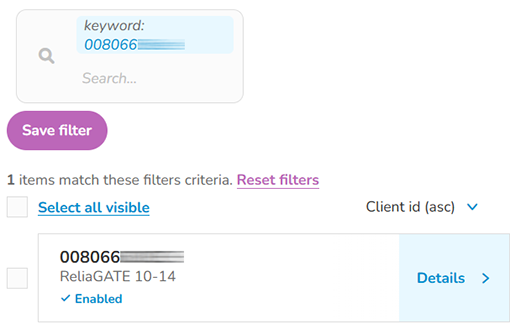
  2. Go to the tab Devices and find your device (MAC ID ETH0)

  1. Click Details. Manage the device using the left navigation bar

 
! 4 Provision 6 Cybersecurity setup "