4 Provision
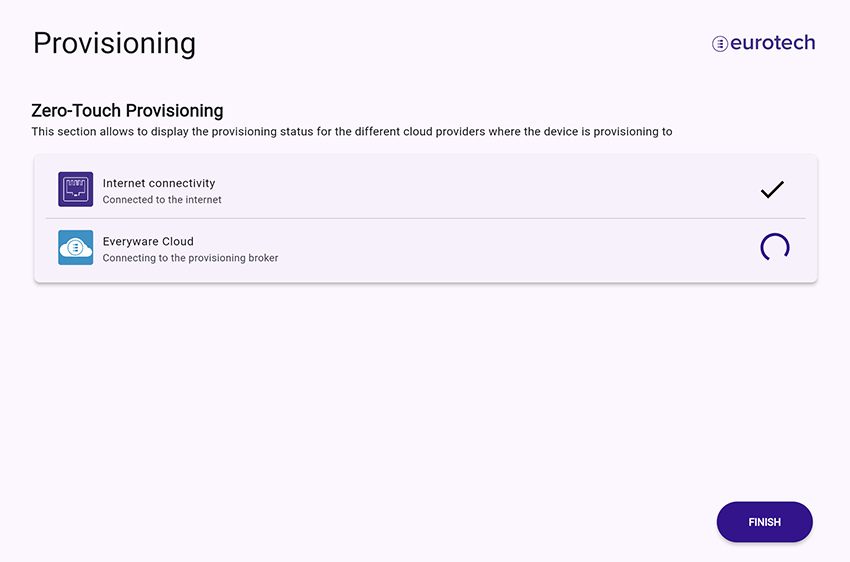
4.1 Provisioning processProvisioning is an automated process. The following confirmation messages will appear as the steps are successfully performed:
Note: the process may take a few minutes. If a step fails, an error message will be displayed.
Click FINISH. You will return to the Main configuration page. The provisioning process will continue in background. The process status is indicated in the Main configuration page; for details, go the Provisioning page. |
||
4.2 Device successfully provisioned
If you have a pre-hardened / hardening-ready device, go to 6 Cybersecurity setup. |
||
|
||